

Designing and building one home for AmaliTech’s design assets, with links that never break
- Role
- Product owner, designer & developer
- Client
- AmaliTech Design Chapter
- Year
- 2026
- Duration
- Oct 2026 – now
Design Chapter Hub is where AmaliTech’s logos, illustrations, backgrounds, photos and videos live, each with a permanent, versioned link that any product can use directly instead of a file passed around on Slack. It also carries the brand guidelines and the design tokens. I designed and built it for the Design Chapter, and it runs on Cloudflare’s free tier.
- kinds of link per asset: latest, and pinned to one version
- 2
- kinds of link per asset: latest, and pinned to one version
- for a new version to reach every product using the latest link
- ~5 min
- for a new version to reach every product using the latest link
- roles: viewers, contributors and maintainers
- 3
- roles: viewers, contributors and maintainers
- visibility states: listed, unlisted and revoked
- 3
- visibility states: listed, unlisted and revoked
- hands-on brand guideline cards
- 7
- hands-on brand guideline cards
- a month to run, on Cloudflare’s free tier
- $0
- a month to run, on Cloudflare’s free tier
The problem
AmaliTech’s logos, illustrations, backgrounds and photos lived in Figma files, shared drives and Slack threads. When someone needed the white logo, they asked in a channel and got a file back. Every product kept its own copy, so when an asset changed nobody knew which products still had the old one, and nobody could tell which file was the approved one.
I wanted the Design Chapter to have one place for every asset, with a link a product can use directly instead of a file that gets passed around.
What I did
- Product: what the hub is for, who can upload and publish, and the rules for links, versions and visibility.
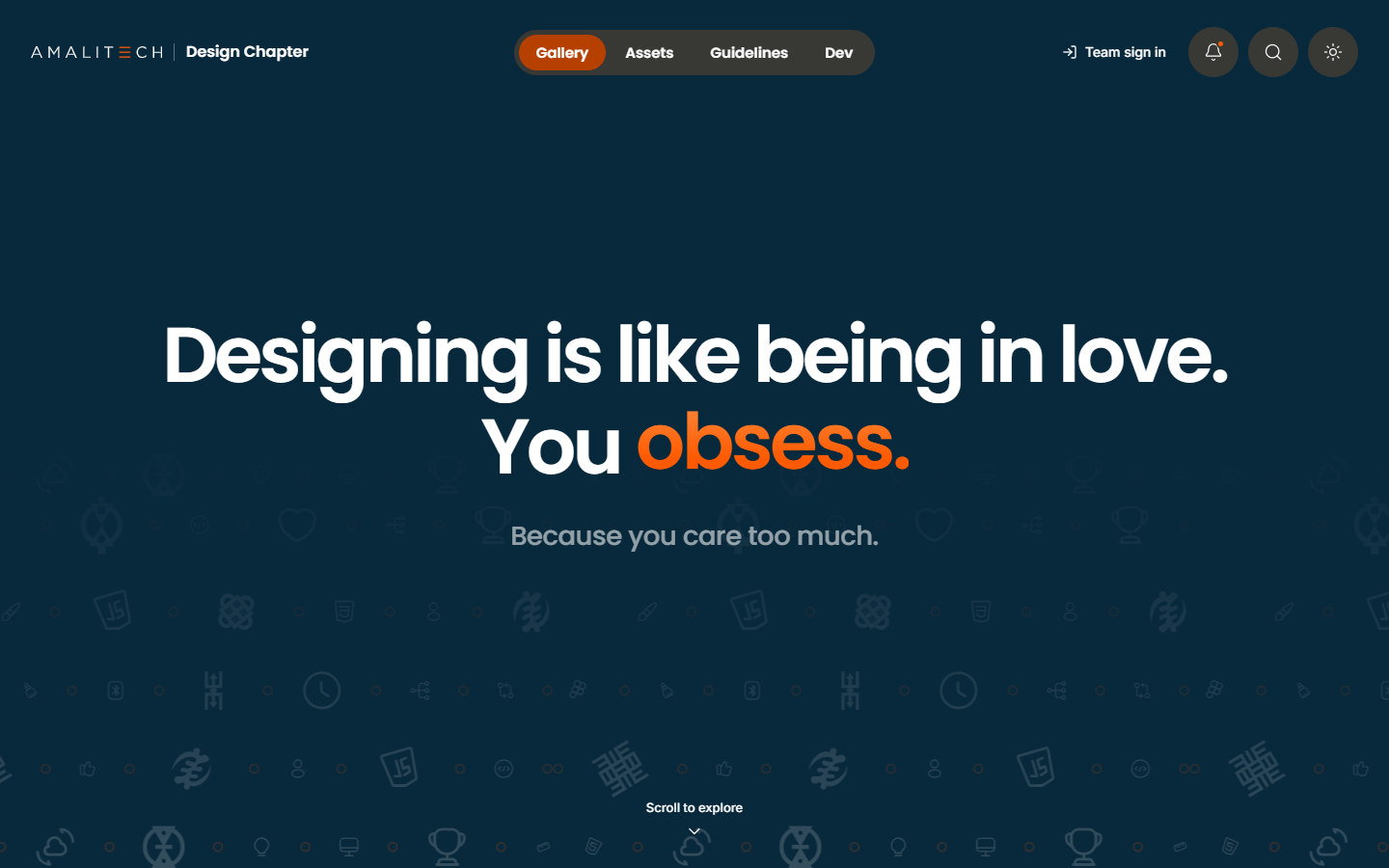
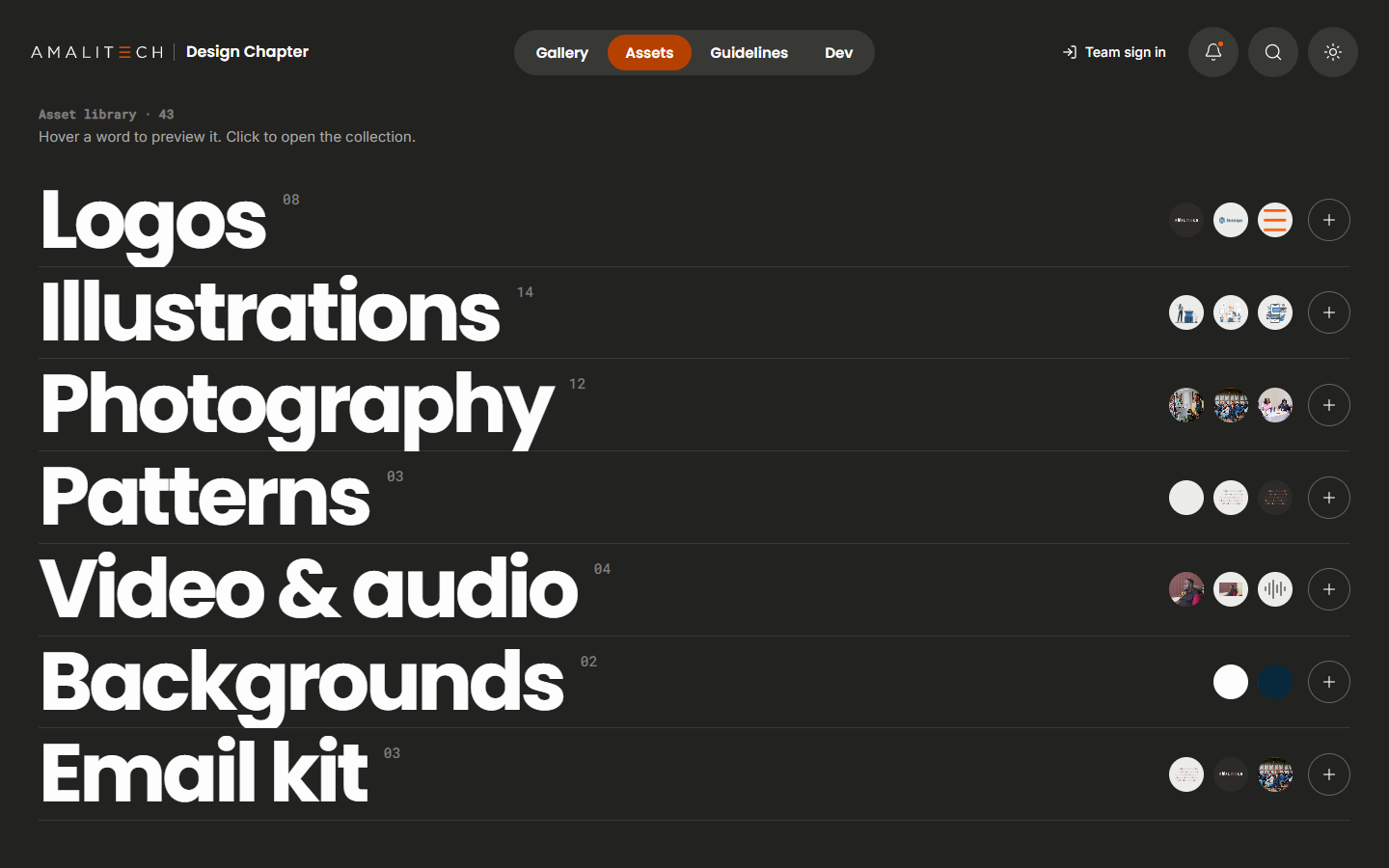
- Design: the visitor side (a drifting gallery, a typographic asset index, the brand guidelines as a card deck and a corner for developers) and a compact admin side for uploads, review and curation.
- Build: the whole stack, from file serving and versioning to sign-in and the review queue, on the AmaliTech Unified Experience design system so it supports light and dark mode.
Five decisions that shaped it
A shared asset library is only useful if teams can trust its links, so most of the decisions are about what a link promises.
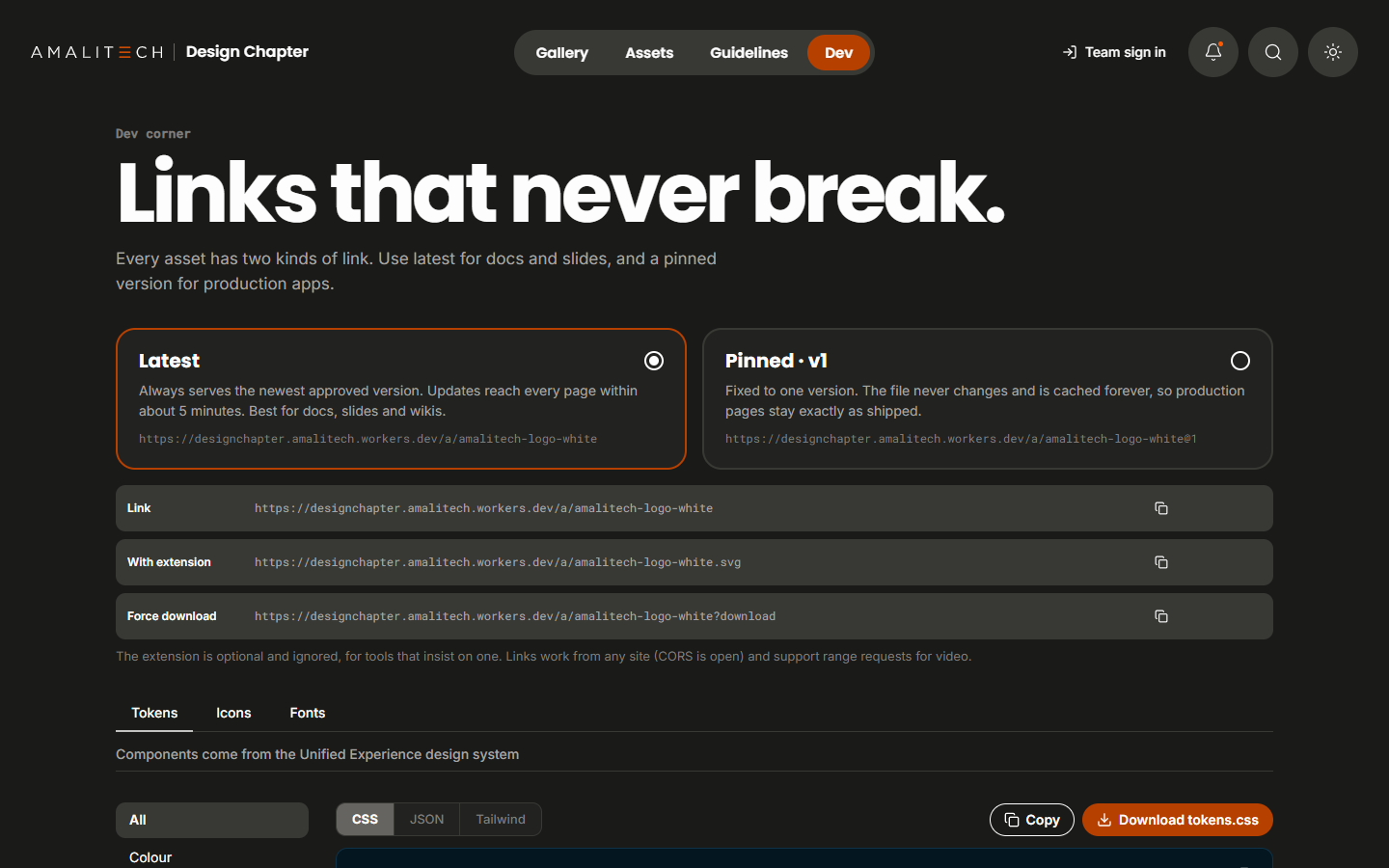
Two kinds of link
- The situation
- Docs and slides should always show the newest logo, but a production app shouldn’t change because someone uploaded a new file.
- My call
- Every asset has a latest link that follows the newest approved version, cached for about five minutes, and pinned links (/a/logo@3) that point at one version and are cached for a year.
- What happened
- Teams choose: docs and slides update themselves, and production pages stay exactly as shipped.
Never overwrite a file
- The situation
- If a new upload replaces the old file, every pinned link silently changes and there’s no way back.
- My call
- Each upload becomes the next version, stored by its content hash so it can’t change. Uploading the same file twice does nothing. Rolling back means pointing the latest link at an older version.
- What happened
- Nothing is ever lost, and a bad upload is undone in one click.
Contributors upload, maintainers publish
- The situation
- Anyone on the team should be able to add assets, but brand assets need a check before they go live.
- My call
- Contributors’ uploads wait in a review queue, and maintainers’ go live straight away. Approving an older pending upload never replaces a newer live version.
- What happened
- The library can grow from the whole team without losing control of what’s approved.
Hide without breaking
- The situation
- Retiring an asset by deleting it would break every page that still links to it.
- My call
- Assets can be listed, unlisted (out of the library, links still work) or revoked (links stop). A deprecation note warns people in the library and in the file’s response headers while the links keep working.
- What happened
- Old assets can be phased out without breaking anything that still uses them.
Run it for free, behind company sign-in
- The situation
- An internal tool with no budget still has to be secure and fast.
- My call
- I built it on Cloudflare’s free tier: Workers, R2 for files (no egress fees) and D1 for data. Admin pages sit behind Cloudflare Access with Microsoft Entra sign-in, and the Worker checks the sign-in token itself too.
- What happened
- No running costs, and the admin side stays locked even if Access is misconfigured.
How it’s built
- A React and TypeScript front end on the AmaliTech Unified Experience design system, served by a Cloudflare Worker (Hono).
- Files in R2, stored by content hash, served with caching, ETags and range requests so video works.
- Asset data, versions, members and collections in D1.
- Design tokens exported as CSS, JSON or Tailwind, plus the design system’s icons and brand fonts, for developers.
- Maintainers curate the gallery and collections from the admin side, with no code changes.
The product
Where it is now
The hub is live with 43 assets across logos, illustrations, photography, patterns, video and audio, backgrounds and an email kit. Every asset has its own page with its links, versions and usage notes, and the team signs in to upload and curate.
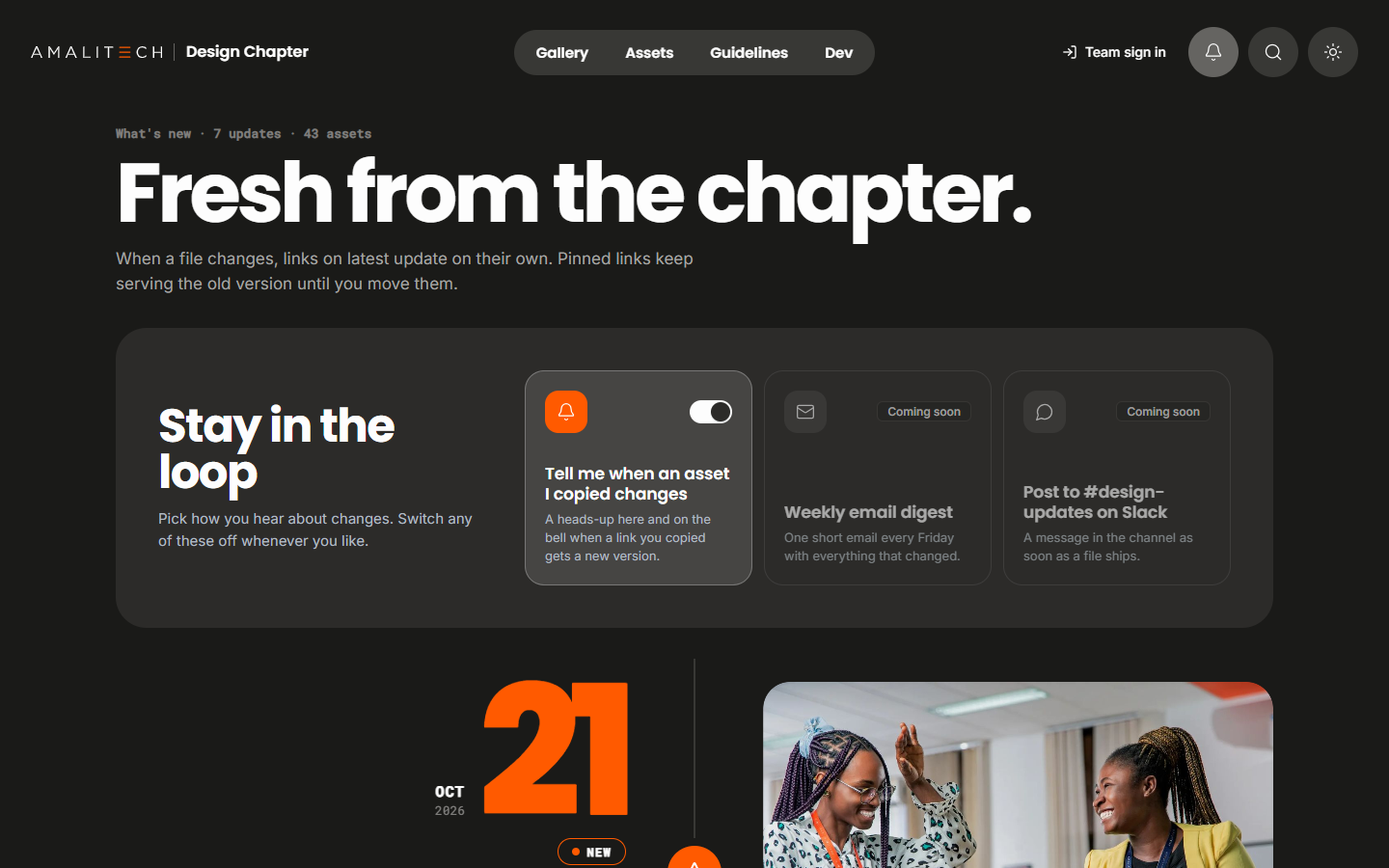
Next: move it to its own amalitech.com address, and turn on the weekly email digest and Slack updates when new assets land.
 TypeScript
 Claude
- React
- Cloudflare
up next →
Mentor Me Collective x Grow With Google
Running a certification program for 1,000+ scholars a year